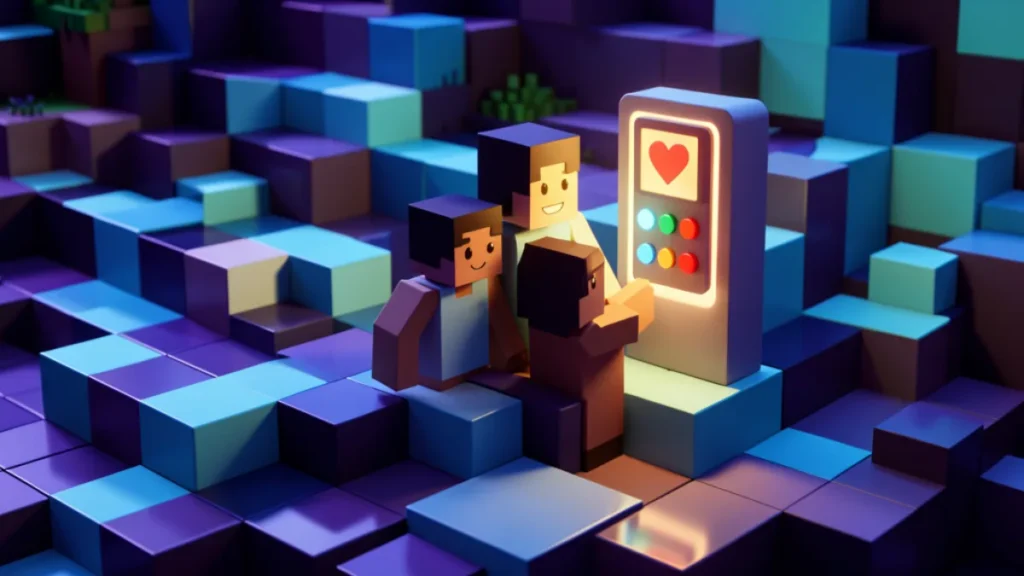
Minecraft is often praised as one of the more family-friendly games out there, but like any online experience it still benefits from a few safety habits, especially when multiplayer worlds and servers are involved. This guide shares simple ways for families to keep the game fun and safe for younger players.
Choose the Right Way to Play Together
Minecraft offers several ways to play with others, from local split-screen with family to online realms and public servers. For younger players, sticking to private worlds shared only with people the family already knows is the safest starting point. Public servers can be a lot of fun for older players, but it is worth reviewing them together first.
Use Available Parental Controls
Family and account settings can help manage who a young player interacts with and what content they can access. A few habits worth setting up together include:
- Reviewing who has access to shared worlds and realms
- Turning on chat filters where they are available
- Agreeing on which servers, if any, are appropriate to join
- Checking in regularly about who the player has been building with
Keep Personal Information Private
Just like any online game, a young player should never share a real name, address, school, or photo with people met inside Minecraft, even on a server that feels friendly and welcoming. Usernames exist specifically to protect real identities, and that privacy is worth protecting carefully, especially on larger public servers with many unfamiliar players.
Talk Openly About Online Experiences
Keeping a relaxed, ongoing conversation about who a player is talking to and what worlds they are exploring helps catch small problems before they grow. If a player ever feels uncomfortable because of something said in chat, leaving the world or server and telling a trusted adult is always the right choice, no matter how fun the build in progress might be.
A Few Reminders Worth Repeating. Safety habits work best when they are simple and repeated often rather than treated as a one-time rule. A short list families can revisit together:
- Never share a password, even with a trusted-seeming friend
- Ask before joining a new server or realm
- Be kind to other builders and expect the same in return
- Tell an adult if a message or request feels strange
None of these habits take the fun out of Minecraft; they simply keep every session feeling relaxed and enjoyable for everyone involved. Checking in casually every so often, rather than only after something goes wrong, keeps the conversation natural and easy for young players to be honest about.
This guide is an independent fan resource and is not affiliated with, endorsed by, or sponsored by Mojang Studios. Official information is available at minecraft.net.