How Hair Accessories Work on Roblox
Hair on Roblox is an accessory you put on your avatar. It lives in the Marketplace, which is the shop Roblox also calls the catalog. Some styles cost Robux. Plenty of others are free, which means you can add them without spending. A hairstyle changes how your character looks. It does not change your account, and it is never a reason to hand over a password.
See Where Hair Comes From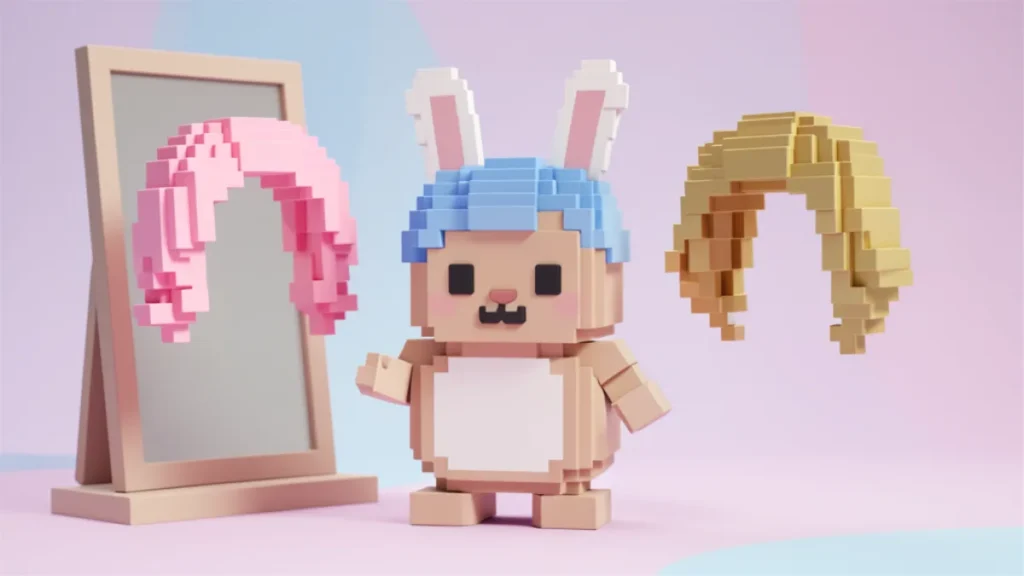
Free Styles and Paid Styles
Every hair item has its own page in the Marketplace. That page shows the price, or it shows that the item is free. Free means you take the item onto the account you are using. Paid means Robux leaves that account, so a parent should say yes first. Prices are set by the creator and by Roblox’s shop, and they can change. A list on another website can be old the same day it is posted, so the item page is the one to trust.
Hair is a category of its own, even though some pieces also include a hat, a bow, or a clip. Roblox allows certain combinations like that. If you only want hair, look at the picture and the item type before you add it.
Layering, Color, and a Saved Look
You can wear more than one hair accessory at a time. That is how people put bangs over a longer base, or add a braid beside a ponytail. The avatar editor lets you turn each owned piece on. There is a limit to how many items can sit on a character, so if a new piece will not stick, the editor is probably full, not broken. Roblox’s help has long described an Advanced area for players who need to place extra owned items by their catalog number.
See Where Hair Comes FromColor works in two honest ways. Many hairs are already dyed, so you pick the color by picking the item. Some items can be recolored in the editor when the item allows it. Body color is separate, and you change it in the avatar editor if you want the hair and the character to feel like a match. When the look is right, use the editor’s option to save the outfit, so you can return to it later without rebuilding every piece.
-
Shop, Then Wear
Find hair in the Marketplace, add it to your account, then equip it from the Avatar editor.
-
Stack a Few Pieces
Bangs, a base style, and a small clip can be worn together when you own each one.
-
Match the Colors
Pick a listing published in a color you like, then coordinate the character’s body color beside it.
Nobody outside Roblox can force a locked style onto your head. Pages that say a secret code grants every hairstyle are guessing or worse. Try styles on the official Marketplace, ask before you spend, and keep your login to yourself.
Disclaimer: Dope Game Zone is a fan site and is not affiliated with, endorsed by, or sponsored by Roblox Corporation. Item prices and which hairs are available are decided only by the Roblox Marketplace.
See Where Hair Comes FromGame Zone — Editorial Team
Game guides, tips and fun for young players
Learn more about our team »